

Free Guide for Educators
The Digital Media Education Starter Kit
Your free guide to building a digital media curriculum that prepares students for the future.
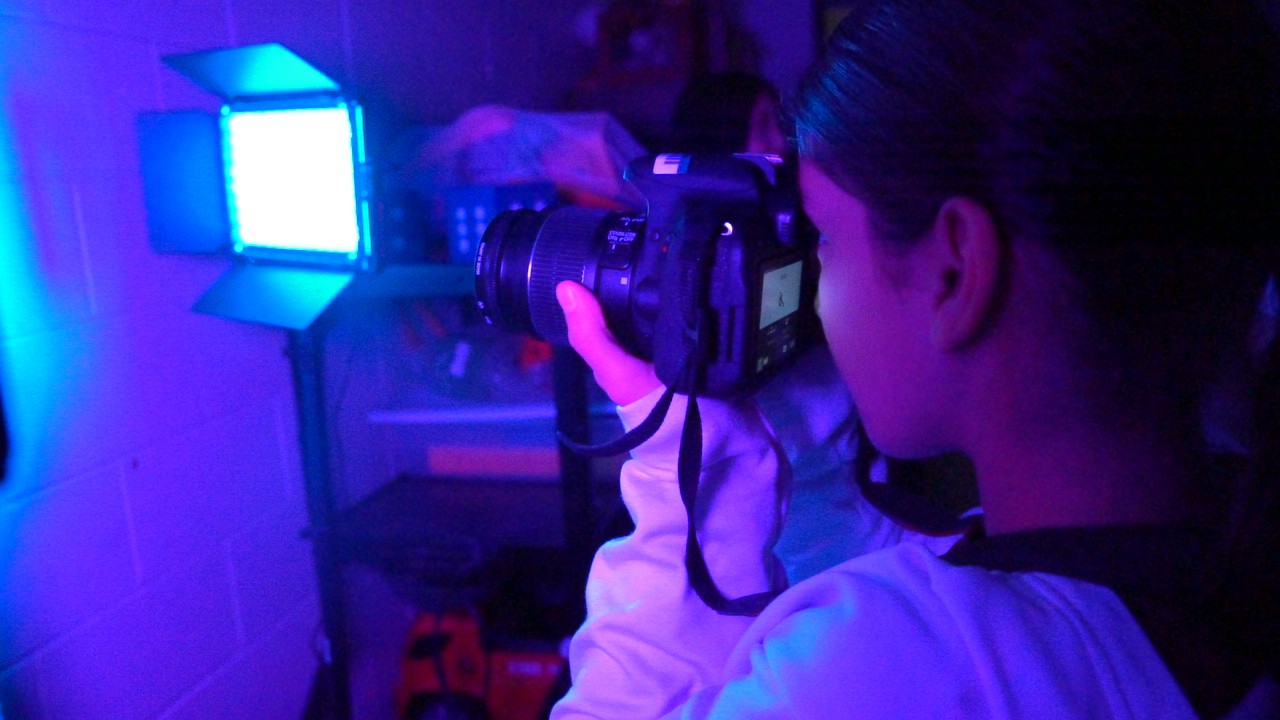
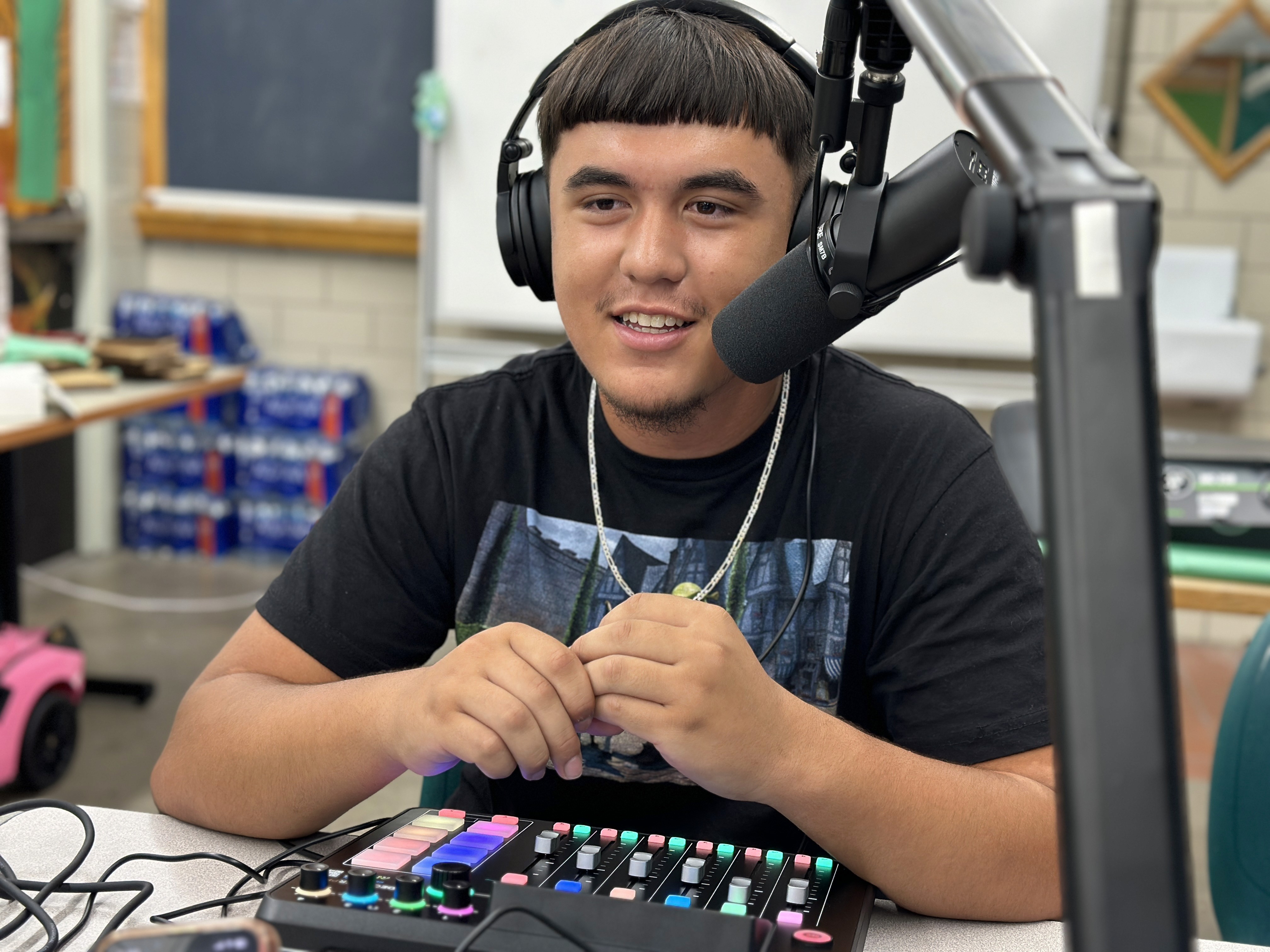
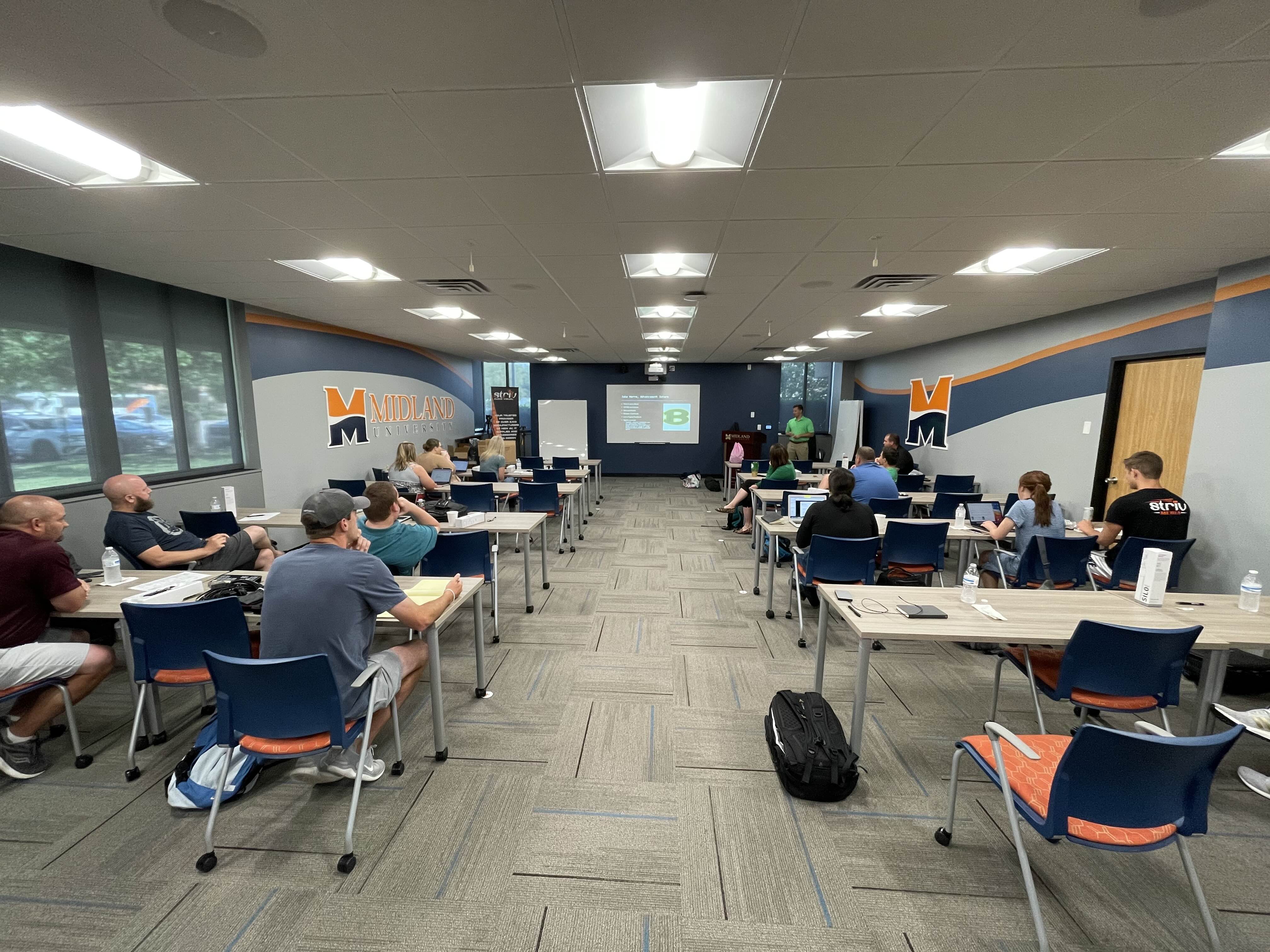

Welcome, Educator
You're Ready to Build Something Great
You downloaded this guide because you want to bring digital media education into your classroom — and you want to do it right. Whether you're building a brand-new course or enhancing an existing one, this starter kit covers the 6 core pillars of a successful digital media education program.
Curriculum Frameworks
High school semester course and middle school 9-week course outlines.
Software Tutorials
The key tools your students need to learn — and where to start.
Career Exploration
Connect classroom learning to real-world digital media careers.
Community & Coaching
You shouldn't be doing this alone. Here's how to get support.
What the full program includes: The full Digital Media Education program goes much deeper — with 150+ ready-made lessons, software tutorials, grading rubrics, and personalized coaching. This kit is your starting point.
High School Curriculum
One semester. Six units. Project-based learning that mirrors real-world digital media work.
| Unit | Focus Area | What Students Create |
|---|---|---|
| 1 | Graphic Design | Logos, posters, social media graphics |
| 2 | Audio Production | Podcasts, voiceovers, sound mixing |
| 3 | Web Design | Basic websites, portfolios, landing pages |
| 4 | Video Creation | Short films, documentaries, promos |
| 5 | Digital Storytelling | Multi-media narratives combining all skills |
| 6 | Portfolio & Presentation | Professional portfolio showcasing all work |
Your 18-Week Semester
Project-Based Approach: Every unit ends with a student-created project. This isn't a lecture-and-test course. Give students creative freedom within clear constraints. Use real-world briefs. Showcase work publicly when possible.
Middle School Curriculum
A 9-week exploration course designed to spark curiosity and build foundational skills.
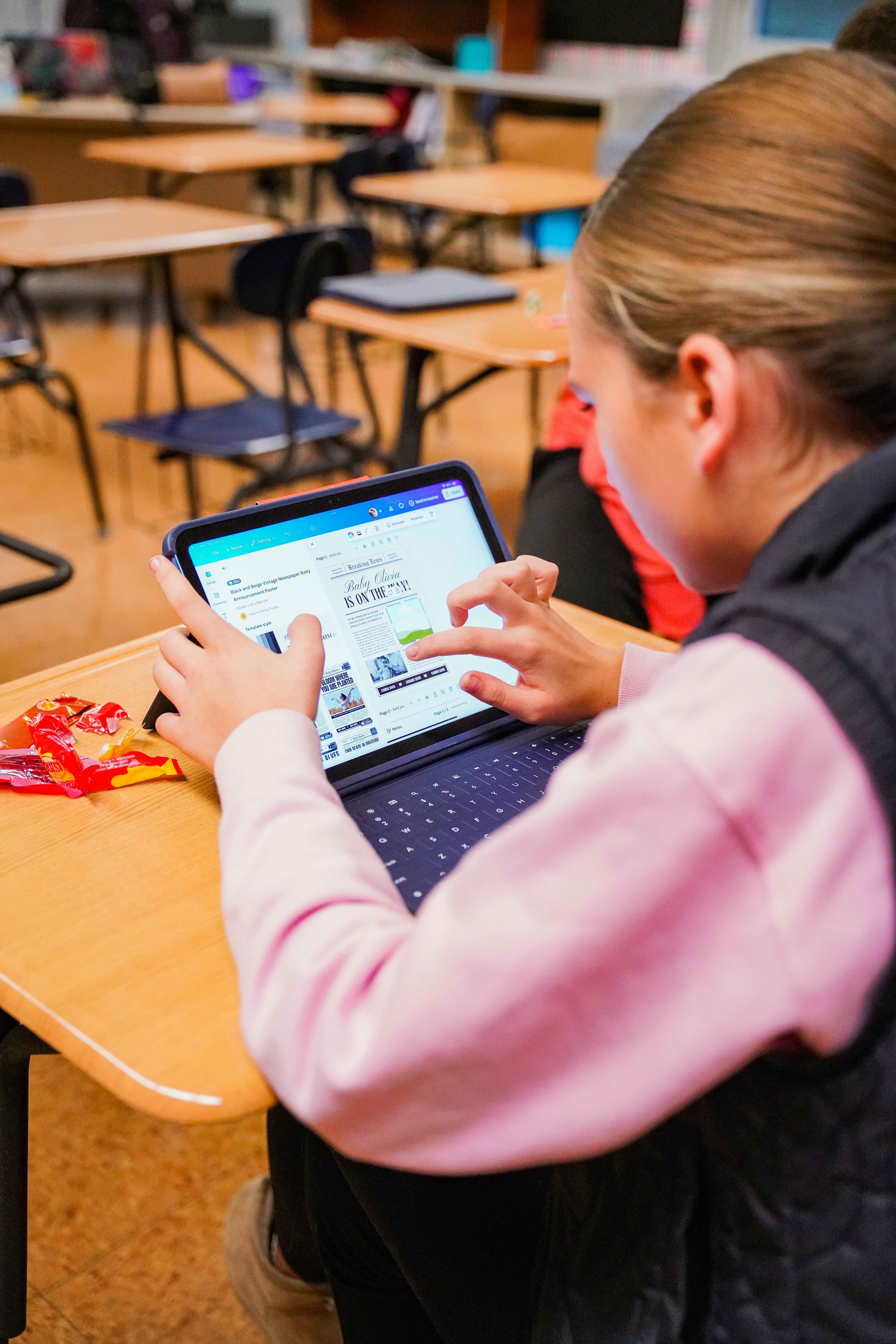
The 8 Units
Copyright Law
Creative rights, fair use, and Creative Commons
Video Composition
Framing, rule of thirds, shot types
Audio Mixing
Sound layering, volume levels, podcast creation
Digital Storytelling
Combining text, images, and audio into narratives
Graphic Design
Color theory, typography, layout basics
Pre-Production
Planning, scripting, storyboarding
Production
Shooting techniques, lighting, audio capture
Post-Production
Editing, color correction, exporting
Why Start in Middle School? Students enter high school with skills already in place. You build a pipeline for your HS program. Students discover creative interests early. And it meets growing demand for tech-forward curriculum.
Ready to skip the DIY?
The full program gives you 150+ lessons, video tutorials, and grading rubrics — ready to teach tomorrow.
Build My Plan →Software Tutorials
The real industry tools your students need to learn — and a clear path from beginner to advanced.
Professional-grade editing, color grading, and audio — all in one app. Everything a student needs is in the free version.
FreeThe most widely used professional editor. Seamless integration with the full Adobe ecosystem.
SubscriptionLayer-based editing for complex compositions. Essential for understanding raster graphics.
SubscriptionIntuitive drag-and-drop with thousands of templates. Great starting point for beginners.
Free for EducationRecommended Software Path
| Student Level | Recommended Tools |
|---|---|
| Beginners (Middle School) | Canva + DaVinci Resolve (Free) |
| Intermediate (HS Year 1) | Canva + DaVinci Resolve + Photoshop |
| Advanced (HS Year 2+) | Full Adobe Suite + DaVinci Resolve |
Full Program Includes: Step-by-step video tutorials for each platform, created by industry-leading content creators. No more hunting down YouTube videos. Everything is organized, sequential, and built for the classroom.
Career & Creator Conversations
Show students where digital media skills lead in the real world. Motivation skyrockets when they can see the career path ahead.
| Career Path | Key Skills | Growth |
|---|---|---|
| Video Producer / Editor | Editing, storytelling, project management | High demand |
| Graphic Designer | Visual design, branding, typography | Steady growth |
| Social Media Manager | Content creation, analytics, strategy | Rapidly growing |
| Web Designer / Developer | Design, coding, UX principles | Strong demand |
| Podcast Producer | Audio production, interviewing, editing | Exploding market |
| Content Creator | Multi-platform creation, audience building | New economy |
3-Lesson Career Exploration Framework
What is Digital Media?
Map the landscape. Students research and present on a career that interests them.
Day in the Life
Video interviews and case studies showing what professionals actually do — the creative AND business sides.
My Digital Media Future
Students create a personal roadmap — skills to build, careers of interest, and first steps.
Full Program Features: Exclusive interviews with industry-leading creatives, plus 3 complete career exploration lessons ready to teach. Real professionals sharing real insights your students won't get anywhere else.
Like what you see so far?
Book a 15-minute call. We'll build a custom plan for your school — no pressure, no pitch.
Build My Plan →Coaching & Training
Teaching digital media is different. The tools change fast. You may be the only one at your school doing this. That's why coaching matters.
Graphic Analysis & Feedback
Submit student work and get professional-level feedback. Learn what 'good' looks like.
Personalized Growth Plans
Map the path from where your program is today to where you want it next year.
Live Webinars
Stay current with evolving tools, techniques, and teaching strategies.
Grading Rubrics
Complete assessment tools so you never have to guess if your grading is fair.
Grading Digital Media Projects
One of the biggest challenges in digital media education is assessment. How do you grade creativity? Use rubric-based assessment across five key dimensions:
| Dimension | What You're Evaluating |
|---|---|
| Technical Skill | Proper use of tools, techniques, and file management |
| Creativity | Originality, risk-taking, creative problem-solving |
| Communication | Does the work effectively communicate its message? |
| Process | Planning, iteration, revision, meeting deadlines |
| Professionalism | File naming, organization, presentation quality |
Getting Started: Create simple rubrics with 4 levels — Beginning, Developing, Proficient, and Advanced — for each dimension. Share rubrics with students upfront. Use them for peer review, too.
Community of Educators
Building a digital media program can feel isolating. A community of like-minded educators changes everything.
Direct Access to Curriculum Developers
Questions about a lesson? Not sure how to teach a concept? Get answers from the people who built it.
Peer Support & Collaboration
Connect with teachers who share lesson ideas, engagement strategies, and creative assessment approaches.
Shared Resource Library
When one teacher creates something great, everyone benefits. Access a growing library of materials.
Learning Cohorts
Collaborative learning groups throughout the school year. Grow your program alongside your peers.
Full Program Community: An exclusive community of digital media educators, special access to curriculum developers for direct support, plus collaborative learning cohorts throughout the school year.
Your Next Step
Transform Your Classroom
This starter kit is just the beginning. Here's everything you get with the full Digital Media Education program.
striv.education/build-my-plan
Questions? hello@striv.tv | 402.513.8770
@striv_education | @Striv-Education